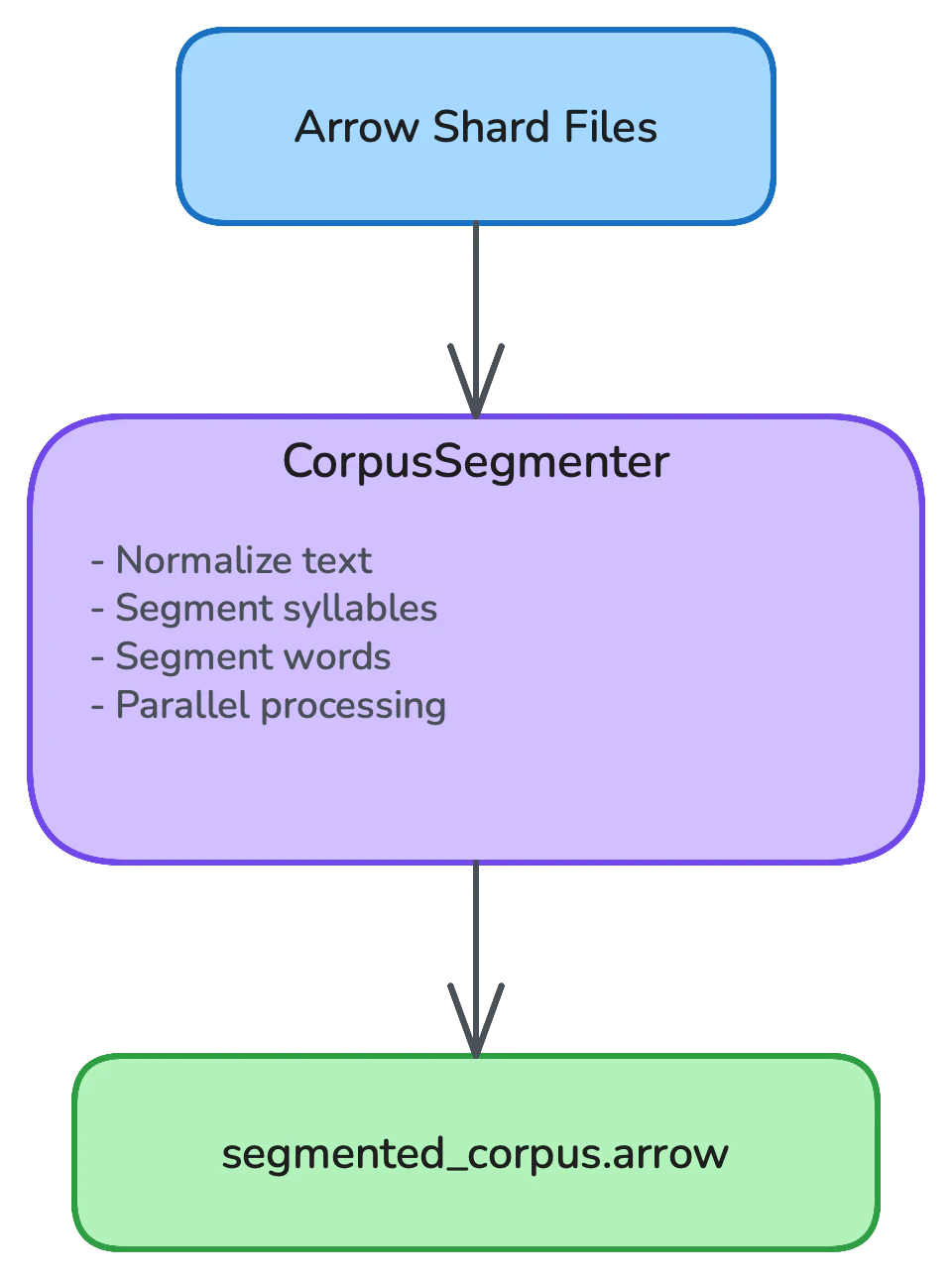
After ingestion converts raw corpus files into Arrow shards, the processing stage runs normalization and segmentation over every record — breaking continuous Myanmar text into syllables and words that downstream stages can count and index.

Overview

Pipeline Processing Flow

Components

CorpusSegmenter

The CorpusSegmenter processes Arrow shards and produces segmented output:
from myspellchecker.data_pipeline import CorpusSegmenter

segmenter = CorpusSegmenter(
    output_dir="intermediate/",
    word_engine="myword",  # "myword", "crf", or "transformer"
)

# Segment corpus from Arrow shards
segmented_path = segmenter.segment_corpus(input_files)
For most use cases, use the Pipeline class:
from myspellchecker.data_pipeline import Pipeline, PipelineConfig

config = PipelineConfig(
    word_engine="myword",  # Segmentation engine (default)
    num_workers=4,         # Parallel workers
)

pipeline = Pipeline(config=config)
pipeline.build_database(input_files, database_path)

Configuration

from myspellchecker.data_pipeline import PipelineConfig, SegmenterConfig

# Via PipelineConfig (recommended)
config = PipelineConfig(
    word_engine="myword",    # "myword", "crf", or "transformer"
    num_workers=4,           # Parallel workers (None = auto)
    batch_size=10000,        # Records per batch
)

# Segmenter-specific configuration
segmenter_config = SegmenterConfig(
    batch_size=10000,
    word_engine="myword",
    num_workers=4,
    enable_pos_tagging=True,
    chunk_size=50000,        # Lines per chunk for parallel processing
)

Options

OptionDefaultDescription
num_workersNoneParallel workers (None = auto)
batch_size10000Records per batch
word_engine"myword"Segmentation engine
enable_pos_taggingTrueEnable POS tagging during segmentation
chunk_size50000Lines per chunk for parallel processing

Segmentation Engines

MyWord (Default)

High-accuracy segmentation using the myword library:
config = PipelineConfig(
    word_engine="myword",
)

CRF

Conditional Random Fields - good balance of speed and accuracy.
config = PipelineConfig(
    word_engine="crf",
)

Transformer

Highest accuracy using a HuggingFace token classification model (XLM-RoBERTa fine-tuned for Myanmar word boundary detection). Requires the transformers package.
config = PipelineConfig(
    word_engine="transformer",
    seg_model="chuuhtetnaing/myanmar-text-segmentation-model",  # Optional custom model
    seg_device=-1,  # -1=CPU, 0+=GPU
)

Comparison

EngineSpeedAccuracyDependencies
MyWordMedium~95-98%myword
CRFFast~92-95%sklearn-crfsuite
TransformerSlow~97-99%transformers, torch

Parallel Processing

Worker Configuration

Configure parallel workers via PipelineConfig:
# Auto-detect CPU cores
config = PipelineConfig(num_workers=None)

# Manual setting
config = PipelineConfig(num_workers=8)

macOS Note

OpenMP requires libomp on macOS:
brew install libomp

Performance Optimization

Batch Size

Larger batches improve throughput:
# Small files
config = PipelineConfig(batch_size=1000)

# Large files
config = PipelineConfig(batch_size=50000)

Memory Management

For memory-constrained environments:
config = PipelineConfig(
    batch_size=5000,  # Smaller batches
    num_workers=2,    # Fewer workers
)

Benchmarks

Batch SizeWorkersThroughput
1,0001~10K rec/s
10,0004~50K rec/s
50,0008~100K rec/s

Integration with Pipeline

from myspellchecker.data_pipeline import Pipeline, PipelineConfig

config = PipelineConfig(
    word_engine="myword",
    num_workers=4,
    batch_size=10000,
)

pipeline = Pipeline(config=config)
pipeline.build_database(
    input_files=["corpus.txt"],
    database_path="dict.db",
)

See Also